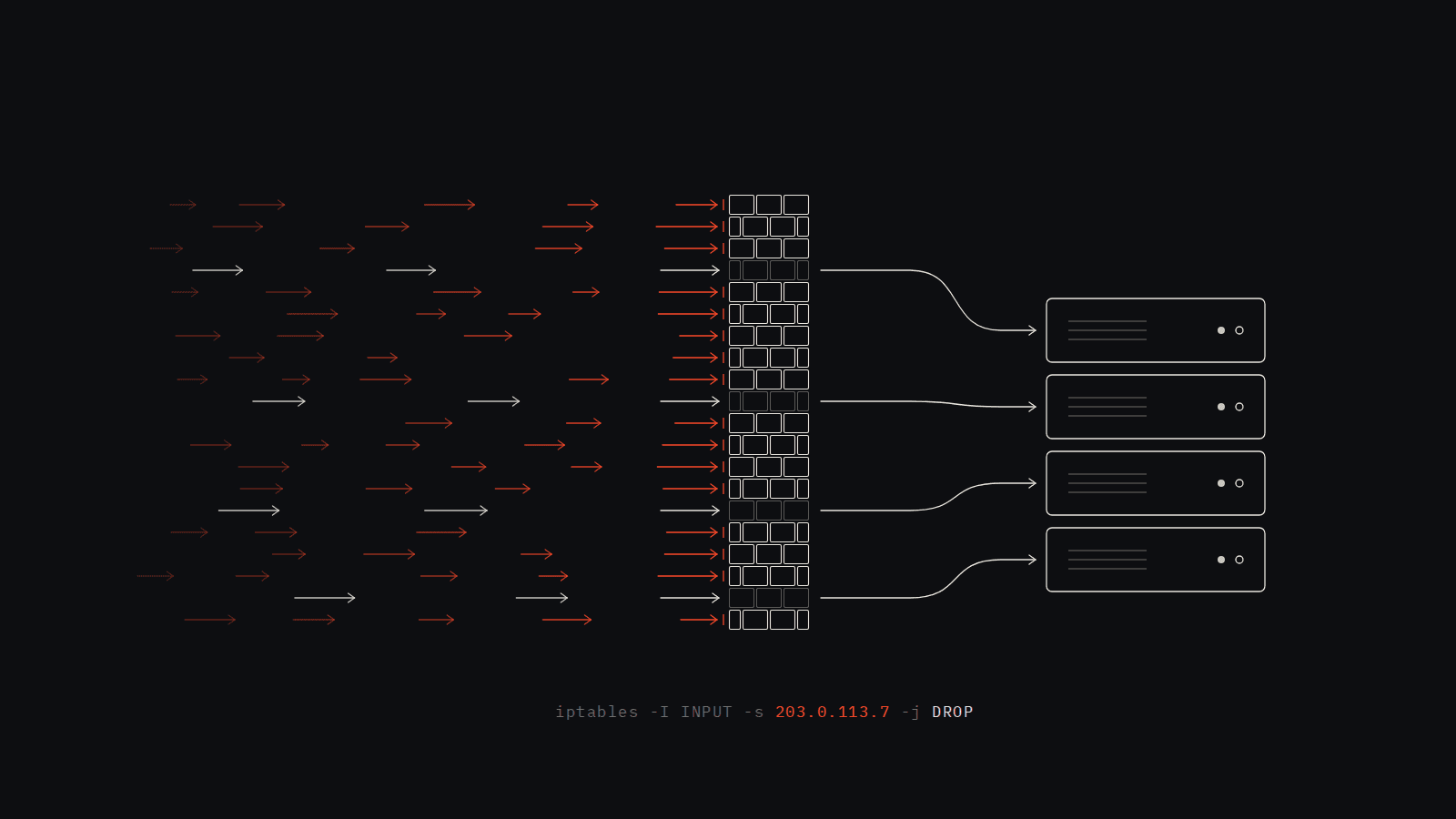
In Part 1 I built a DDoS detector from scratch: a Python daemon that reads the Nginx access log, learns what normal traffic looks like, and drops attacking IPs at the firewall. I tested it with ab, watched the iptables rule appear, watched the traffic stop, and called it done.
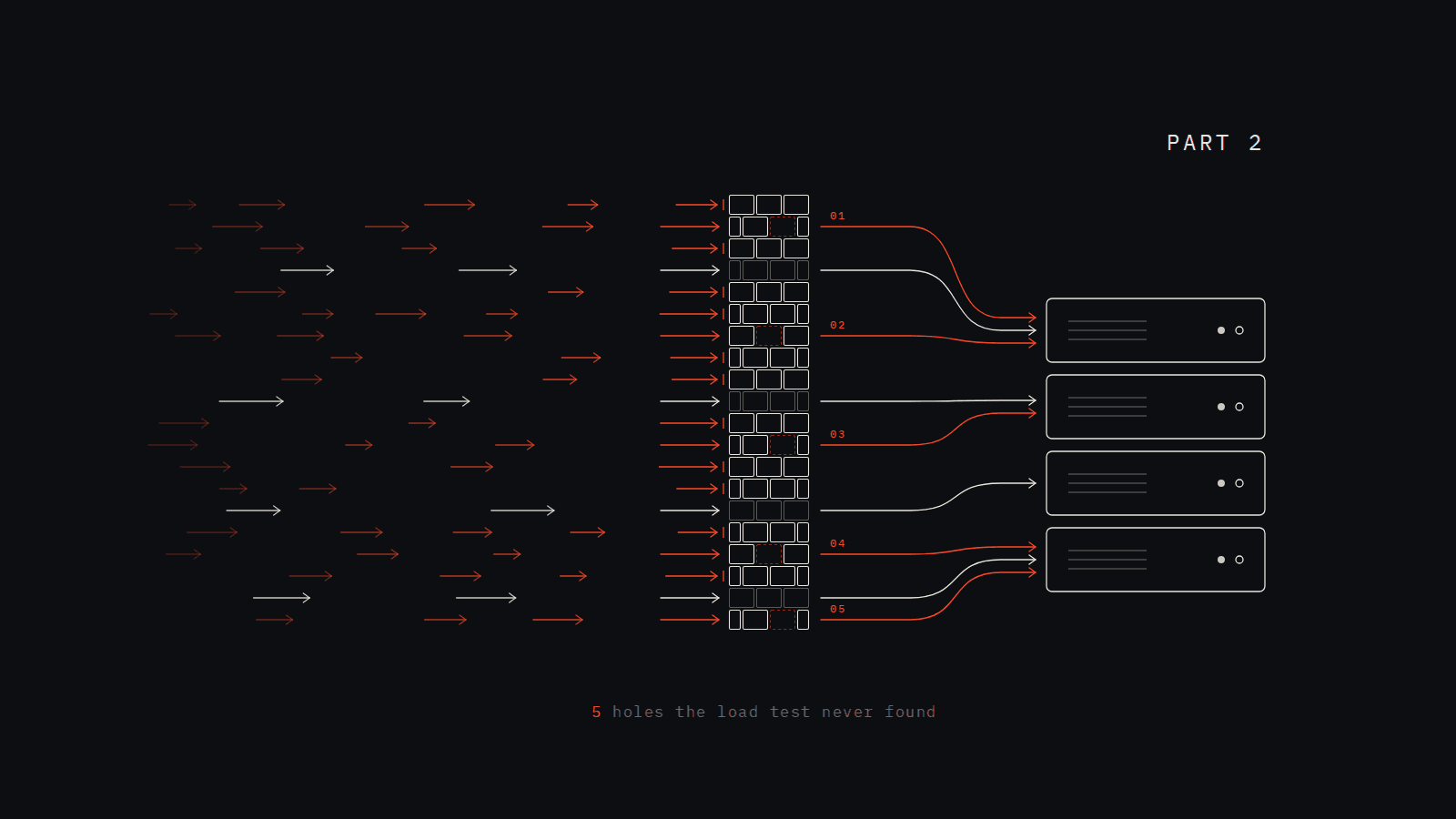
Then I went back and read the code properly. The core design holds up. But there are five places where the details quietly weaken it, and none of them would ever show up in a test like mine. A flood of 2,000 requests from one machine trips the detector whether or not these are fixed. The bugs live at the edges: quiet periods, short bursts, long attacks, and restarts.
This post walks through each one: what the code does, why it's wrong, and the fix.
What Still Holds Up
Before the problems, two decisions I'd make again.
Comparing each IP against the whole site's baseline. This is deliberate. The baseline describes total traffic per second across every visitor. If one client on its own is doing more than the entire site normally does, it's behaving outside the normal flow and it's worth flagging. You don't need a per-IP baseline to know that.
Blocking at the host's INPUT chain. Public traffic arrives at the host Nginx on 443 and is proxied into Docker from there. Because the connection terminates at a process on the host, its packets go through INPUT, and iptables -I INPUT -s <ip> -j DROP stops them in the kernel before Nginx does any work.
1. Quiet Seconds Never Get Counted
The baseline is built from per-second request counts. Here's how a second gets recorded:
# detector/baseline.py — record_request()
with self._lock:
    if now != self._current_second:
        # A new second has started — flush the previous second's totals
        self._flush_second(self._current_second, self._current_count, self._current_errors)
        self._current_second = now
        self._current_count  = 0
        self._current_errors = 0

    self._current_count += 1
A second is flushed when the next request arrives, and only the one previous second is flushed. If requests arrive at 10:00:01 and then 10:00:07, the five empty seconds in between never enter the window.
So the window doesn't hold "requests per second". It holds "requests per second, for the seconds that had requests". On a site where half the seconds are empty and the busy ones average 4 requests, the real mean is 2 req/s, but the baseline says 4. Every threshold built on top of it is twice as lenient as it should be.
The fix is to record the gap as zeros when the next request arrives:
# detector/baseline.py — record_request(), fixed
with self._lock:
    if now != self._current_second:
        self._flush_second(self._current_second, self._current_count, self._current_errors)

        # Seconds in which nothing arrived still happened. Record them as zeros,
        # capped at the window size so a long silence doesn't loop for hours.
        gap = min(now - self._current_second - 1, self.counts_window.maxlen)
        for quiet in range(now - gap, now):
            self._flush_second(quiet, 0, 0)

        self._current_second = now
        self._current_count  = 0
        self._current_errors = 0

    self._current_count += 1
2. Comparing a Minute With a Second
This is the subtle one. Here are the two numbers the z-score compares:
# detector/detector.py — the IP's rate: an average over the last 60 seconds
ip_rate = len(self._ip_windows[ip]) / 60

# detector/baseline.py — the spread: computed from individual seconds
stddev = statistics.pstdev(data)   # data = per-second counts
The IP's rate is averaged over a minute. The standard deviation measures how much single seconds vary. Those aren't the same thing. A 60-second average moves far less than individual seconds do, because the busy and quiet seconds cancel each other out.
Here's what that costs. Say the site averages 2 req/s and individual seconds vary with σ = 1.5. A scraper sends 300 requests in 10 seconds (30 a second) and stops:
- Averaged over the window: 300 / 60 = 5 req/s
- z-score: (5 − 2) / 1.5 = 2.0, under the threshold of 3
- Rate check: 5 is under 5 × 2 = 10
Neither check fires. A burst of 30 requests a second sails through because it's being measured against a yardstick for a different unit.
The fix is to build the baseline from the same quantity the detector measures: the site's rate averaged over the last minute, sampled every second.
# detector/baseline.py — measure the baseline in the same units as ip_rate
self._last_minute = deque(maxlen=60)   # in __init__

def _flush_second(self, second, count, errors):
    self._last_minute.append(count)
    minute_rate = sum(self._last_minute) / len(self._last_minute)
    self.counts_window.append(minute_rate)
    ...
The mean barely changes, but σ now describes how much minute-long averages vary, which is much less. If those averages move by ±0.3, the same burst scores z = (5 − 2) / 0.3 = 10, and it's banned.
One warning: this makes the detector noticeably more sensitive. Re-run your load test and watch the baseline on the dashboard for a day before trusting the thresholds.
3. The Attack Teaches the Baseline
Every log line feeds the baseline, with no exceptions:
# detector/main.py — process_log_entry()
baseline.record_request(is_error=is_error)  # update the rolling window
detector.record(ip, is_error=is_error)       # check for anomalies
For a single attacker this is fine. Their IP is banned within seconds, their packets stop reaching Nginx, and they stop appearing in the log.
A distributed attack is different. Many IPs, each below the per-IP threshold, together trip only the global check, and the global check just sends a Slack alert. Nothing is banned, so the attack keeps flowing into the 30-minute window. Half an hour later the flood is the baseline: the global alert goes quiet, and the per-IP thresholds have risen with it, so a single heavy attacker during that time gets a free pass.
A slow ramp does the same thing on purpose: grow the traffic a little every few minutes and the baseline follows it up.
The fix is to make the baseline harder to drag. The mean moves with every extreme value. The median doesn't move until more than half the window is extreme. Swap mean and standard deviation for median and MAD (median absolute deviation):
# detector/baseline.py — _recalculate(), robust version
median = statistics.median(data)
# MAD × 1.4826 estimates the standard deviation for normal traffic,
# but a flood shorter than half the window barely moves it
mad    = statistics.median(abs(x - median) for x in data) * 1.4826

self.effective_mean   = max(median, self.min_mean)
self.effective_stddev = max(mad,    self.min_stddev)
With a 30-minute window, an attack now has to run for more than 15 minutes before it starts shifting the baseline, instead of nudging it from the first second. For longer attacks, the next step is to stop learning entirely while a global anomaly is active.
4. Restarts Leave Bans Behind
The detector runs with network_mode: host and privileged: true. That's what lets it change the firewall, and it also means its iptables rules live in the host's kernel, not the container. They outlive the container.
The record of those bans doesn't:
# detector/blocker.py
self._blocked: dict = {}      # ip → when it was blocked

# detector/unbanner.py
self._pending    = {}         # ip → when to unban
self._ban_counts = {}         # ip → how many times banned
All in memory. With restart: unless-stopped, any crash or redeploy wipes them, and three things go wrong:
- Temporary bans become permanent. The rule is still in the kernel, but nothing remembers to remove it. A 10-minute ban lasts forever.
- Repeat offenders start over. The ban count resets, so an IP on its third strike gets 10 minutes again.
- Rules get duplicated.
block()checks_blockedbefore adding a rule. After a restart it's empty, so a re-detected IP gets a second identical rule. When the unban runs,iptables -Dremoves only one of them, and the IP stays blocked.
The fix has two parts. First, keep the detector's rules in a chain of its own, so at startup it can see exactly which rules it owns and adopt them:
# detector/blocker.py — our rules live in our own chain
CHAIN = "DETECTOR"

def setup(self):
    subprocess.run(["iptables", "-N", CHAIN], capture_output=True)   # fine if it exists
    if subprocess.run(["iptables", "-C", "INPUT", "-j", CHAIN], capture_output=True).returncode != 0:
        subprocess.run(["iptables", "-I", "INPUT", "-j", CHAIN], check=True)

def adopt_existing(self):
    # Rules from before a restart: "-A DETECTOR -s 1.2.3.4/32 -j DROP"
    out = subprocess.run(["iptables", "-S", CHAIN], capture_output=True, text=True).stdout
    for line in out.splitlines():
        parts = line.split()
        if "-s" in parts:
            ip = parts[parts.index("-s") + 1].removesuffix("/32")
            self._blocked[ip] = time.time()
Bans then go into that chain (iptables -I DETECTOR -s <ip> -j DROP) instead of directly into INPUT.
Second, save the unban schedule and ban counts to a file on a Docker volume every time they change, and load them back at startup:
# detector/unbanner.py — survive restarts
STATE = "/var/lib/detector/bans.json"

def _save(self):
    with open(STATE + ".tmp", "w") as f:
        json.dump({"pending": self._pending, "counts": self._ban_counts}, f)
    os.replace(STATE + ".tmp", STATE)   # atomic: never leaves a half-written file

def load(self):
    try:
        with open(STATE) as f:
            state = json.load(f)
    except FileNotFoundError:
        return
    self._ban_counts = state["counts"]
    self._pending    = state["pending"]  # overdue unbans are lifted on the next loop
# docker-compose.yml — the detector service
volumes:
  - HNG-nginx-logs:/var/log/nginx:ro
  - detector-state:/var/lib/detector
5. The Whitelist Ignores Its Own Config
The config looks like it supports network ranges:
# detector/config.yaml
whitelisted_ips:
  - "127.0.0.1"
  - "10.0.0.0/8"
  - "172.16.0.0/12"
  - "192.168.0.0/16"
The code doesn't:
# detector/detector.py
self.whitelisted = set(config.get('whitelisted_ips', []))

def _is_whitelisted(self, ip):
    if ip in self.whitelisted:          # exact string match
        return True
    for prefix in ('127.', '10.', '172.16.', '172.17.', '192.168.'):
        if ip.startswith(prefix):
            return True
    return False
"10.0.0.0/8" is compared as a string, so no IP ever equals it. Ranges in the config do nothing. What actually protects the private ranges is the hardcoded prefix list, and that list doesn't match the config either. 172.16.0.0/12 covers 172.16 through 172.31, but the code only checks 172.16 and 172.17. Docker Compose networks usually land on 172.18 and up.
The part that would really hurt: if you added your office range, say 203.0.113.0/24, to the whitelist, you'd have no protection at all and no error telling you so.
Python's ipaddress module does this properly:
# detector/detector.py — real CIDR matching
import ipaddress

self.whitelist = [ipaddress.ip_network(n, strict=False) for n in config.get('whitelisted_ips', [])]

def _is_whitelisted(self, ip):
    try:
        addr = ipaddress.ip_address(ip)
    except ValueError:
        return False
    return any(addr in net for net in self.whitelist)
Now the config is the single source of truth, and IPv6 works too.
What I Took From This
The first version passed every test I threw at it, and it still had all five of these. That's because my test was a flat flood from one machine, and every one of these bugs needs something else to show up: a quiet site, a short burst, a long distributed attack, a restart, or a config change.
If I were testing it again, I'd write those scenarios down first and feed recorded log files through the detector, instead of only pointing ab at it. A detector that works on the obvious attack is the easy part. The real work is in the cases you didn't think to try.